
Crafting
digital presentations require a through thought out plan. One feature that
became prominent in my readings from chapter 4 are the assessments that are
formulated to identify what is an effective presentation. This feature allows
students to identify the quality of the presentation instead of focusing on the
bells and whistles added to the presentation.
Utilizing evidence for reasoning allows the viewers to fully grasp the topic at hand. Displays and data should be simply used to enhance the presentation. When assigning a presentation, the teacher should thoroughly review with students the proper and effective way to craft a digital presentation. Rubrics play an important role because it simply aids as a guide for the formulation of the presentation. Questioning also plays an important role because it can be served as a guide when formulating a presentation.
Chapter 4 also offers numerous examples that reviews design principles that add to the presentation. With the combination of the design principles and effective content the presentation goes beyond the sharing of student work. It provides a model for how to look at the digital compositions of students presentations, and make sense of why specific design principles play an active role in the effectiveness of a presentation. By doing so, teachers can then better guide the composition practices of learners who formulate digital presentations.
Troy Hicks went on to review highschool presentations and differentiated between making use of templates provided by the presentation website or creating one on their own. Although this is a minor feature in formulating a digital presentation this may minimally enhance the presentation.I though this was quite interesting. My reasoning is due to the fact I find that quite challenging even as an adult learner.
Below are two links that provide information about formulating digital presentations in a school setting.
1. https://cooltoolsforschool.wordpress.com/thing-5-digital-storytelling-presentation-tools/
2. http://www.emergingedtech.com/2011/07/8-great-free-digital-presentation-tools-for-teachers-to-try-this-summer/

Utilizing evidence for reasoning allows the viewers to fully grasp the topic at hand. Displays and data should be simply used to enhance the presentation. When assigning a presentation, the teacher should thoroughly review with students the proper and effective way to craft a digital presentation. Rubrics play an important role because it simply aids as a guide for the formulation of the presentation. Questioning also plays an important role because it can be served as a guide when formulating a presentation.
Chapter 4 also offers numerous examples that reviews design principles that add to the presentation. With the combination of the design principles and effective content the presentation goes beyond the sharing of student work. It provides a model for how to look at the digital compositions of students presentations, and make sense of why specific design principles play an active role in the effectiveness of a presentation. By doing so, teachers can then better guide the composition practices of learners who formulate digital presentations.
Troy Hicks went on to review highschool presentations and differentiated between making use of templates provided by the presentation website or creating one on their own. Although this is a minor feature in formulating a digital presentation this may minimally enhance the presentation.I though this was quite interesting. My reasoning is due to the fact I find that quite challenging even as an adult learner.
Below are two links that provide information about formulating digital presentations in a school setting.
1. https://cooltoolsforschool.wordpress.com/thing-5-digital-storytelling-presentation-tools/
2. http://www.emergingedtech.com/2011/07/8-great-free-digital-presentation-tools-for-teachers-to-try-this-summer/
Click me to view my presentation!

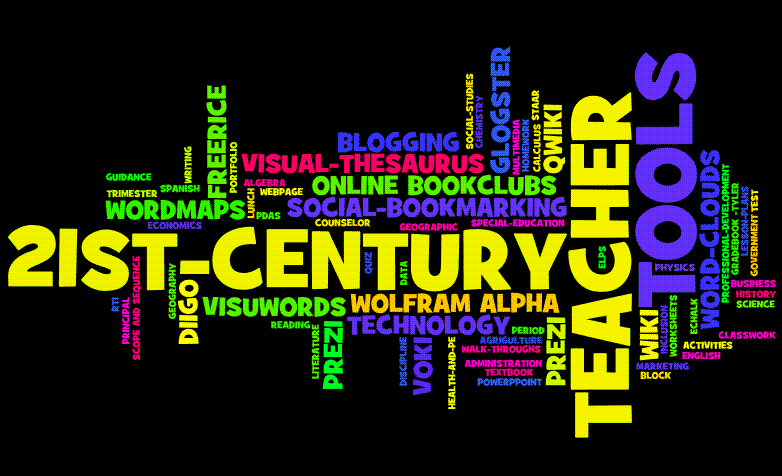
Tamera, I enjoyed reading your blog post and viewing your presentation. The information you included in your presentation was simple but thorough, just like Hicks explains in chapter 4 multiple times. I like your Wordle as well. I've made these before and have thought about having my advanced reading students create one as an assignment for their digital portfolio.
ReplyDeleteBased on your blog post, you grasped a lot of the same topics as I did. Most importantly, the quality is the most important aspect of a digital presentation, not how cute it looks. However, I do feel when creating a presentation you have to think of your audience. Crafting a presentation for high school students would be much different than crafting a presentation for early elementary students.
I enjoyed reading your blog. You touched on Reynold's principles that Hicks refers to in Chapter 4 and it seems that several of us touched on a lot of the same topics. I think because even as an adult we have difficulty knowing what an effective presentation looks like. I was pleasantly surprised at how many mistakes I make in creating presentations.
ReplyDelete